

Small Business Expense Deduction Checklist
March 3, 2026Let’s be real: we are living in the golden age of subscription fatigue. From streaming services to productivity apps, everything wants a piece of your monthly cash flow. But there’s one digital essential you really shouldn’t be renting from a big corporation: your password manager.
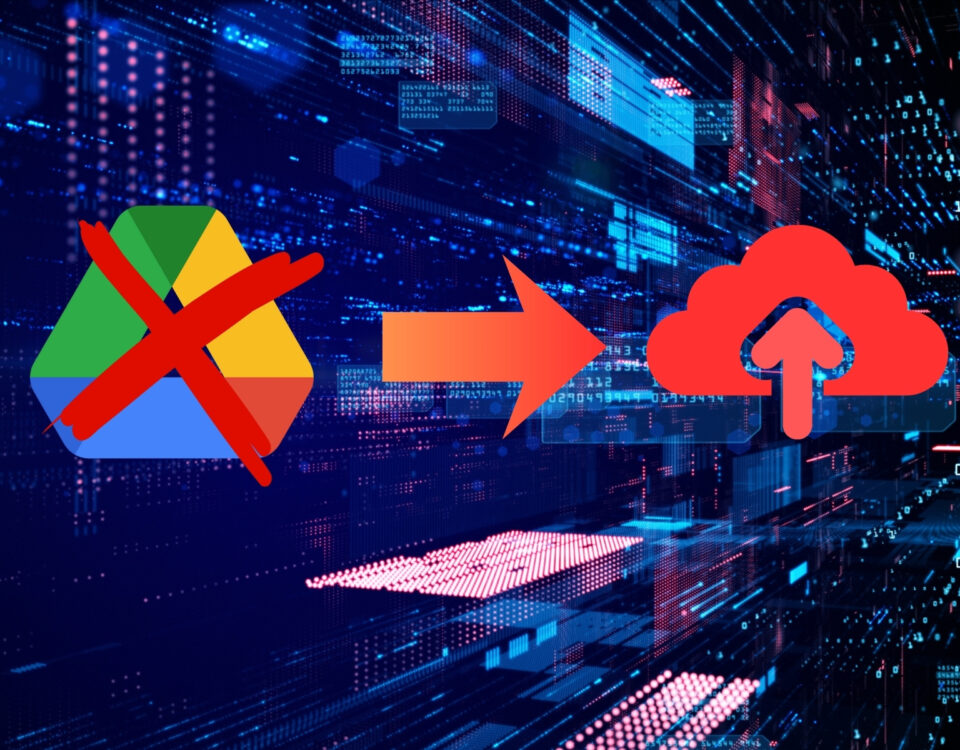
Remember when LastPass made their free tier utterly useless by locking users out of either mobile or desktop access? That was a wake-up call. Entrusting your entire digital life—from your bank logins to your 2FA seeds—to a proprietary service that can change the rules on a whim is, frankly, risky business.
You want something secure, painless to use, and, preferably, free. You need Open Source.
We’ve talked about replacing the Adobe suite to save $600/year; now let’s talk about saving another $40/year (per person!) on password security while increasing your control. This is Self-Hosting 101, entry-level style. Today, we're crowning the champion of open-source password management and seeing if any of the rivals have what it takes to challenge the throne.
Why "Open Source" is Your Password Messiah
First off, what do we even mean? Open source means the code—the actual digital recipe for the software—is public. It’s on Github for everyone to see.
Why is this a big deal for passwords? Auditing and Trust.
When Microsoft or LastPass says their software is secure, you have to take their word for it. When an open-source project says it’s secure, a paranoid security researcher in Finland with too much caffeine can verify that claim at 3:00 AM. If there’s a backdoor or a vulnerability, it will be found, publicly discussed, and fixed faster than any corporate bureaucracy can manage.
For the "Mr Adam Smith" (or modified "SMALL BUSINESS") philosophy of saving time and money, open source is the ultimate efficiency tool: you trade proprietary lock-in for community-verified security.
The Undisputed King: Bitwarden
If you came here looking for a simple answer, here it is: Just use Bitwarden.
For the vast majority of people—from tech-phobic grandmas to busy freelancers—Bitwarden is the perfect intersection of free, modern, cross-platform, and secure.
Here’s why it owns the throne:
-
A Free Tier that actually works: You get sync across unlimited devices (mobile, desktop, browser) for free. Proprietary services hate this.
-
It’s EVERYWHERE: Bitwarden has polished extensions for every browser you’ve heard of, native apps for Windows/Mac/Linux, and apps for iOS/Android. It respects your time because you aren’t fighting with it.
-
It does the tech-y stuff: Integrated TOTP authenticator (the random codes), secure note sharing, and even 2FA key generation.
The catch? (Because there is always a catch) The default Bitwarden free tier means your data is encrypted locally on your phone/PC, but the encrypted "blob" of your vault is hosted on Bitwarden's servers.
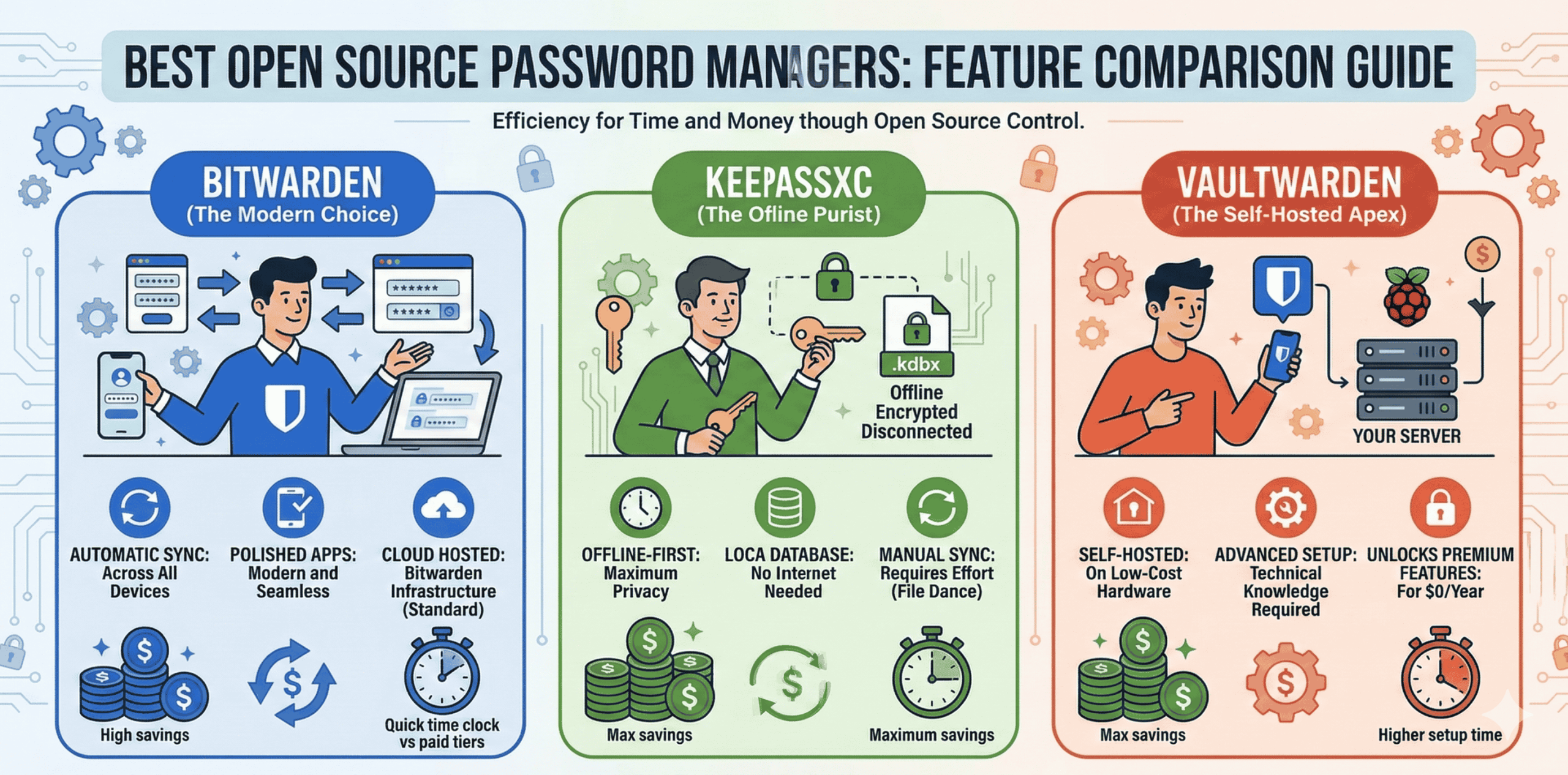
This is highly secure (they don't hold the key, so they can’t decrypt it), but if you are looking for true digital sovereignty (maximum control for maximum paranoid savings), you can take it a step further. You can self-host Bitwarden, running the official software on your own hardware or a VPS. This eliminates the dependency on Bitwarden's infrastructure entirely. It takes time but maximizes savings (at least the licensing kind).
The True Privacy Purist’s Pick: KeePassXC
If you wear a tin-foil hat or just have a fundamental philosophical objection to the "cloud," KeePassXC is your champion.
KeePassXC is the classic "offline-first" password manager. There are no user accounts, no syncing servers, and no web apps. You have one encrypted file (the database) on your computer.
The Time vs. Money Trade-off:
-
Cost: Totally free. The software is free, and you pay nothing to host your data because you are hosting it locally. Maximum money savings.
-
Syncing (The pain point): How do you get your passwords on your phone? You can’t just log in. You have to manually copy that
.kdbxfile to your phone (via USB) or use a third-party cloud service like Dropbox or Nextcloud (our recommended Nextcloud self-hosted option) to act as the sync layer. Your phone then needs a compatible app (like KeePass2Android).
This dance respects your time zero percent. For many, it’s a dealbreaker. But for some, the complete ownership of that physical database file is worth the 15 minutes of setup every time they add a new device.
The Self-Hosting Upgrade Path: Vaultwarden
Remember the self-hosting idea for Bitwarden we mentioned? The official Bitwarden server software is incredibly complex and requires significant resources (a "heavy" server). It’s designed for massive corporations.
Enter Vaultwarden. This is a brilliant, complete rewrite of the Bitwarden backend in the efficient Rust programming language. It is significantly lighter, designed specifically to run on something like a $50 Raspberry Pi in your closet or the absolute cheapest $5/month VPS.
Why does this matter? Vaultwarden unlocks almost all of the Bitwarden "Premium" features—like integrated 2FA and secure attachment sharing—for free. You get the polish of the Bitwarden apps, but you host the backend on your own minimal hardware. It is the peak of open-source financial and technical efficiency.
It takes setup time, but it maximizes cash savings and guarantees privacy. (Self-Hosting 101: This is advanced placement, but highly recommended).
Head-to-Head: Battle of the Efficiencies